
Drive smart,
score smarter.
Toecan records your trips automatically and gives you a personal driving score — safety, vehicle control, distraction, and speed. No setup. No fiddling. Just drive.
Free for testers · iPhone & Android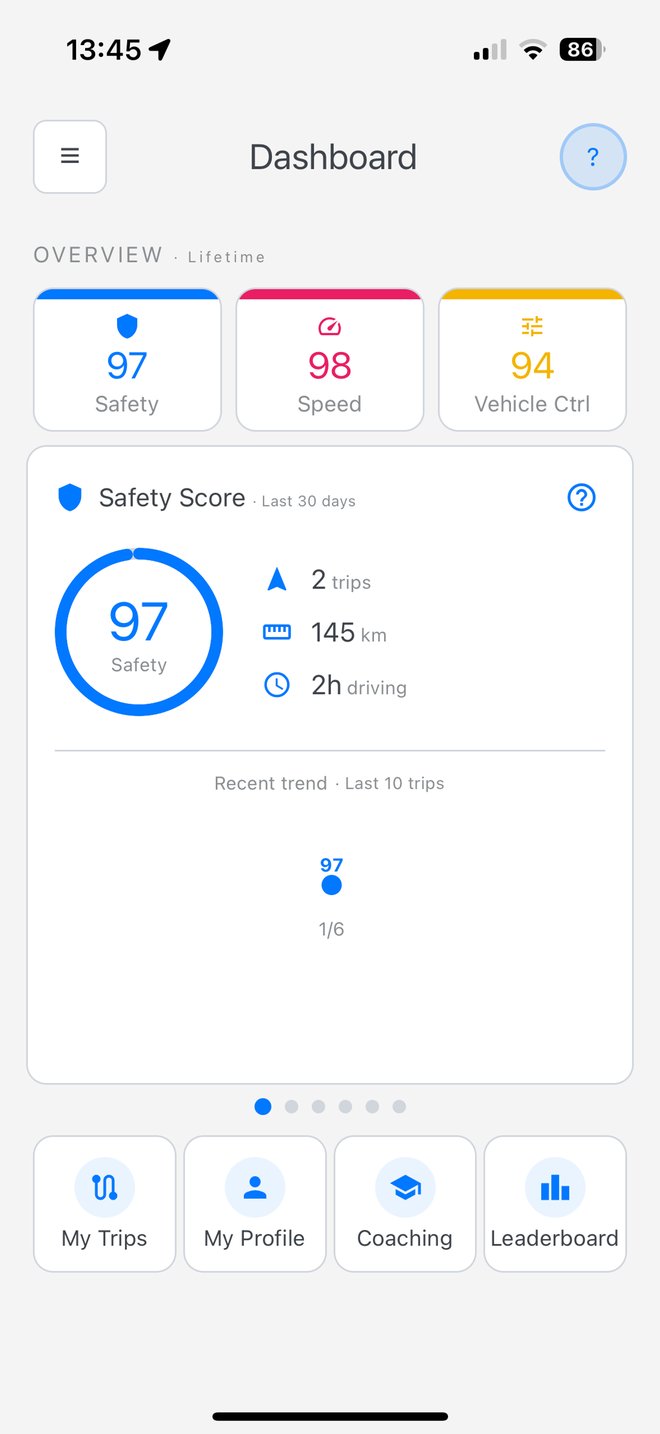
Everything in one app.
Five focused capabilities. Each measured, explained, and shown in the app itself.
Trips log themselves.
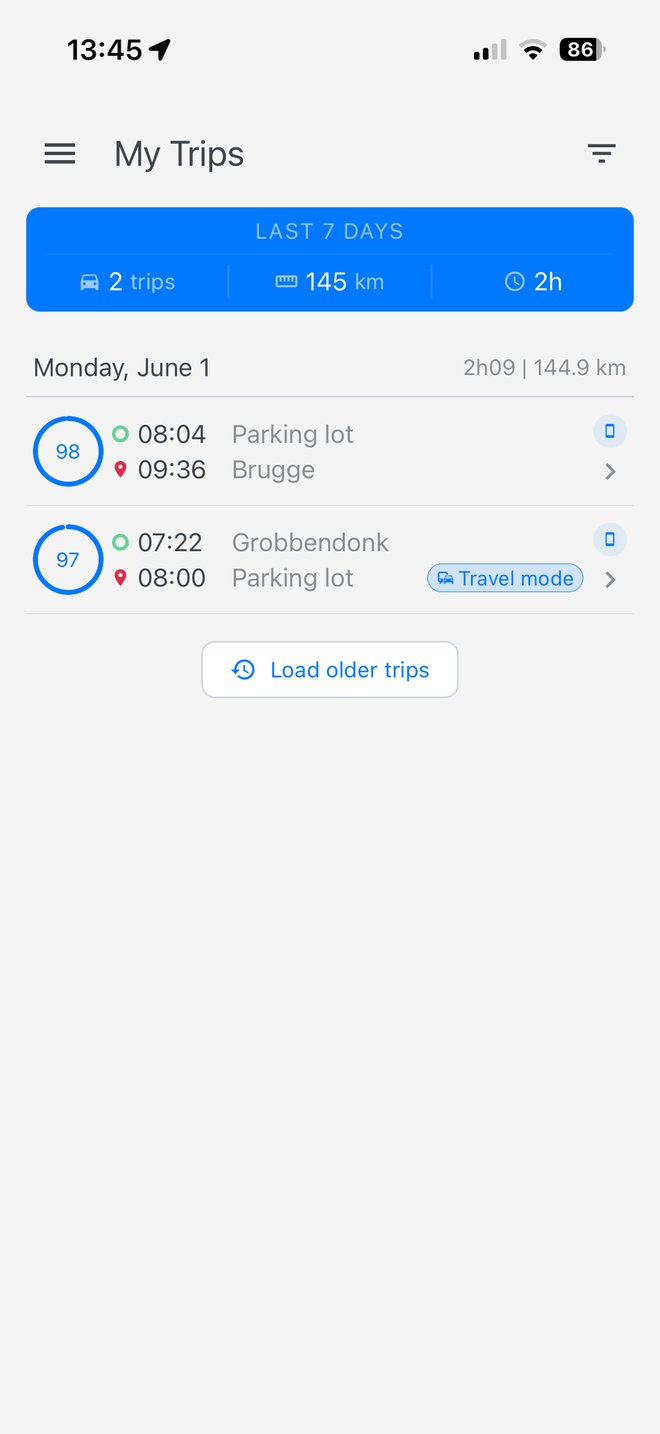
Toecan detects when you start driving and stops when you park. Nothing to press. Nothing to remember. Every trip is stored with distance, duration, and a full score breakdown you can review afterwards.
A score for every trip.
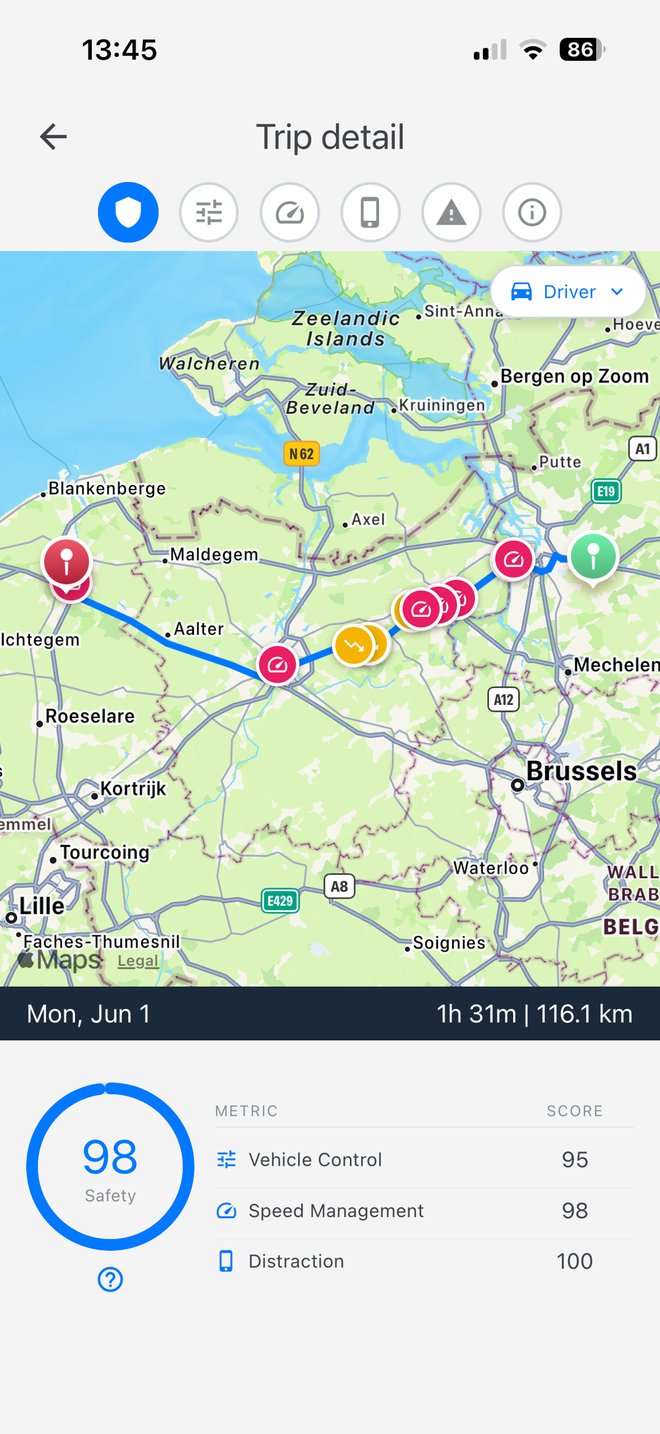
Each trip is scored on four dimensions — safety, vehicle control, distraction, and speed. See the full breakdown per trip and how you trend over time.
Small nudges. Real progress.
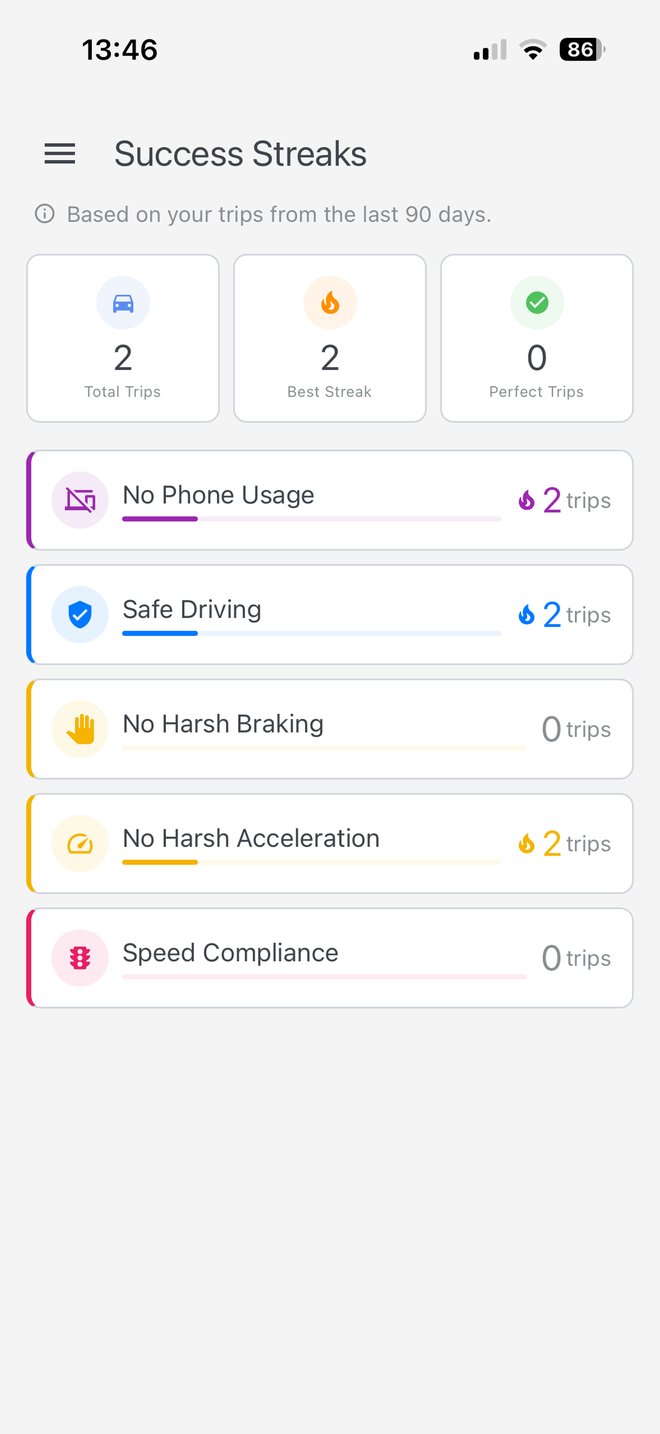
Toecan sends short weekly summaries and gentle coaching messages based on how you actually drove. No spam, no pressure — just useful guidance around the moments that matter.
Report incidents right from the app.
File a claim with photos, notes, and the trip context already attached. Documents stay organised, and you always know what step you're on.
A clear view of how you're driving.
Every score category is broken down clearly — the events, the trends, and where a small change would have the biggest effect on your next trip.
From install to first trip.
Three steps. Under a minute.
Download Toecan from the App Store or Google Play.
Use your Toecan credentials and grant location and motion permissions.
Start driving. Toecan does the rest.
Install on your phone.
Scan the QR code or tap the badge for your platform.
See the app in action.
A short walk-through of Toecan on a real trip.