Automatic trip recording
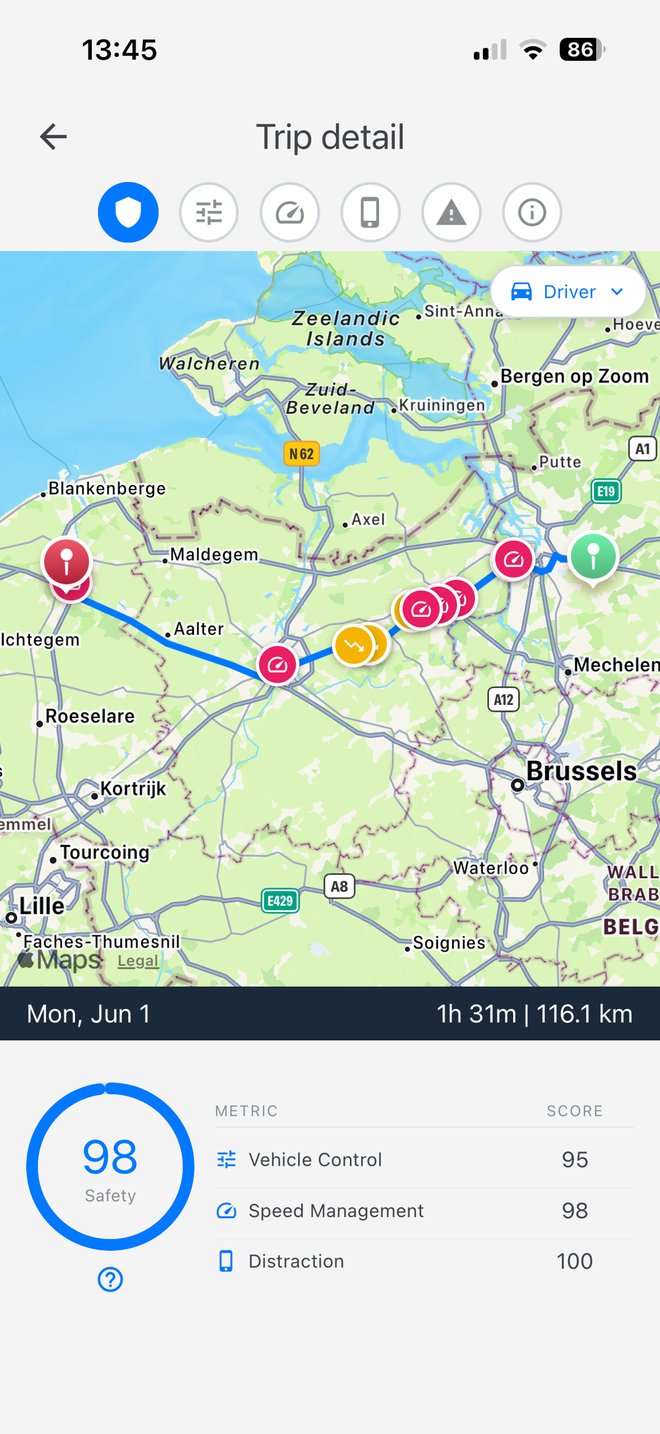
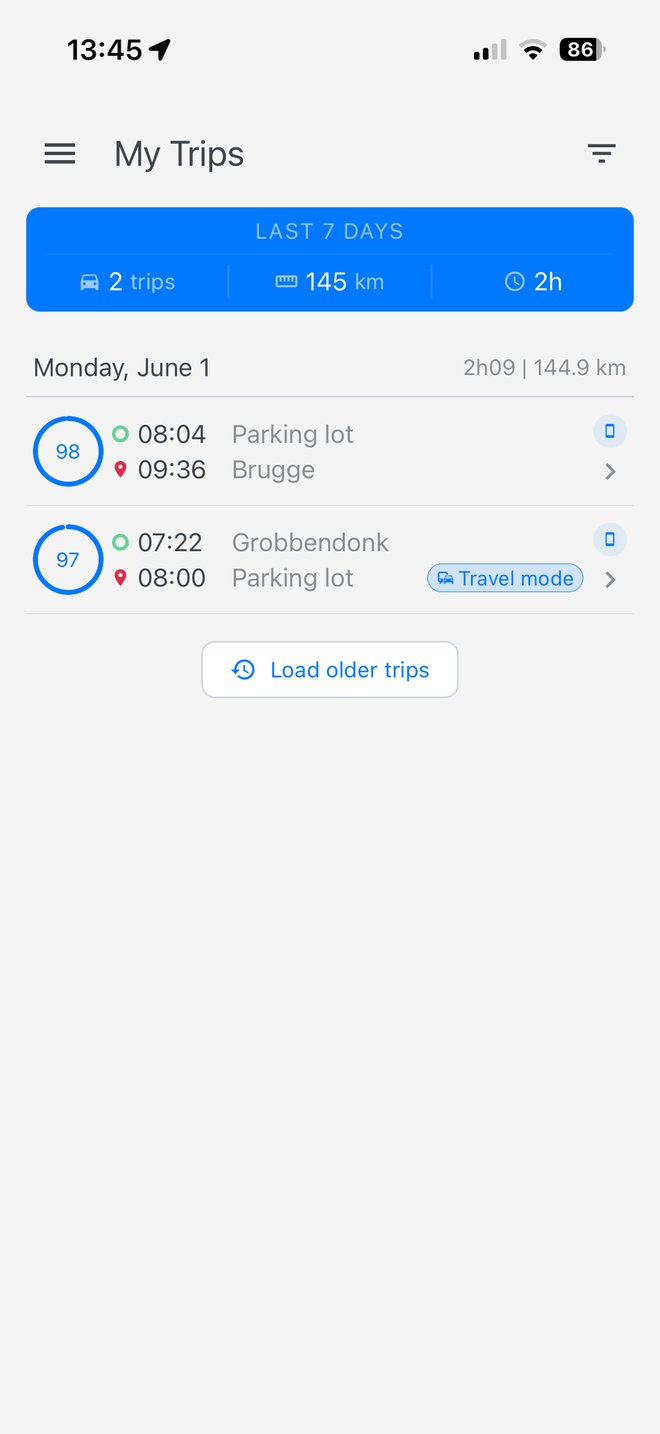
Every drive is captured the moment you turn the ignition — no buttons to press. Motion and GPS detect the trip and record route, speed, and events from ignition to engine-off.

What the app records, what it calculates, and how to improve.
Everything below happens as soon as you log in — no manual setup.
Every drive is captured the moment you turn the ignition — no buttons to press. Motion and GPS detect the trip and record route, speed, and events from ignition to engine-off.
After each trip you get Safety, Vehicle Control, Speed Management, and Distraction scores — all derived from real GPS and sensor data.
Every week the app delivers a personalised report in your language. It highlights strengths, picks one focus area, and gives a concrete tip for your next drive.
File a claim directly from the app — pick the trip, mark the incident on the map, attach photos, and submit. The form is shared instantly with your fleet manager and insurance partner.
Always have your insurance certificate one tap away. Toecan pulls the latest policy info for your assigned vehicle directly from the insurer's system.
Set the days and hours you're on the clock so trips are correctly attributed to work or private use. A Saturday reminder helps you confirm the upcoming week.
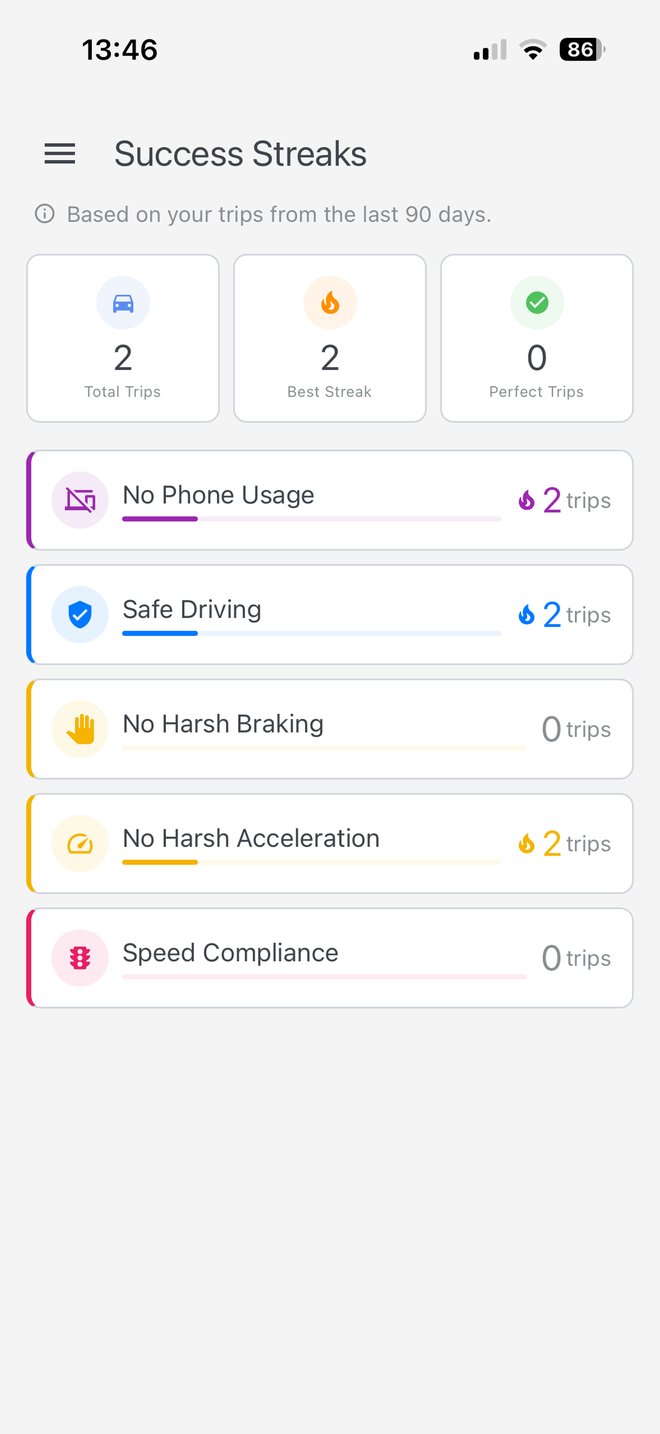
Hit a clean week (no harsh events, no speeding) and your streak grows. Compare your score with anonymised colleagues and see your fleet rank.
One screen that checks every permission, battery setting, and sensor the SDK needs. Each item explains in plain language what's wrong and how to fix it.
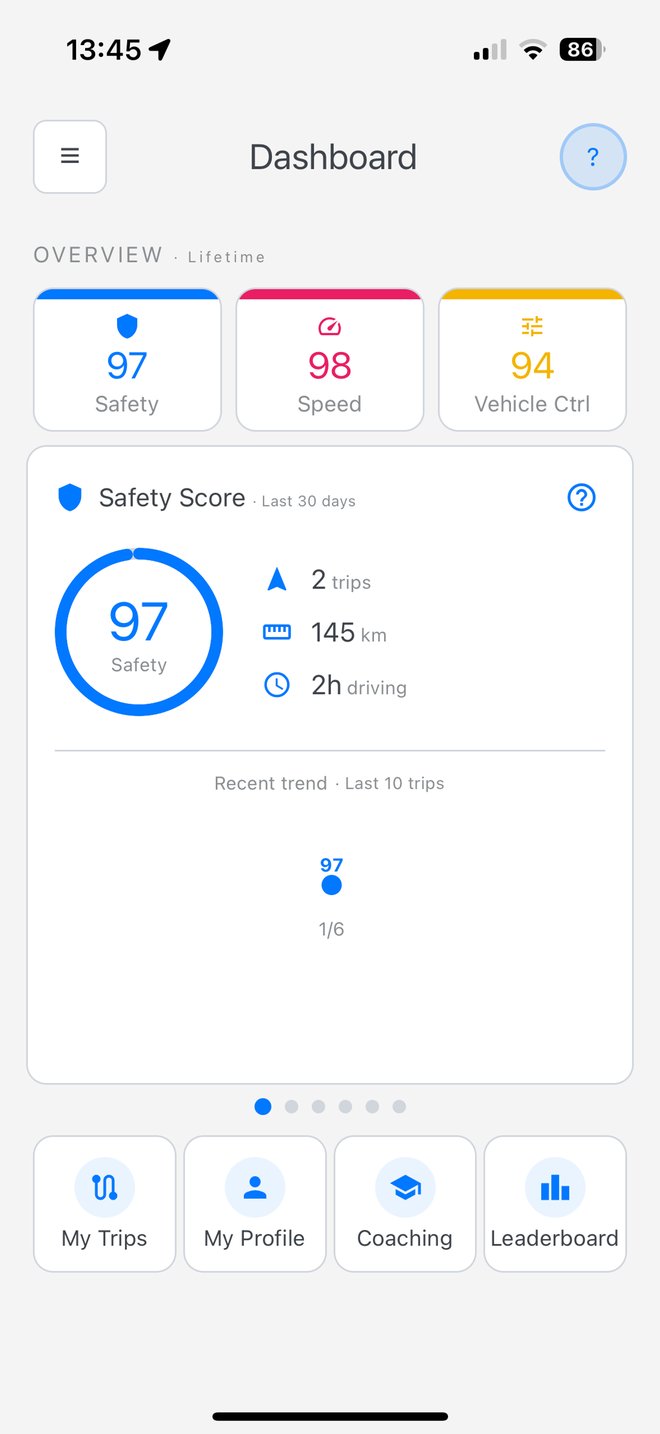
Three top-level metrics roll up into Safety. Vehicle Control itself is the average of three driving events.
Vehicle Control = average of Harsh Accel, Hard Braking, and Cornering.
What's measured, how it's calculated, how to improve.
How safely you operate the vehicle. The overall score, rolling up Vehicle Control, Speed Management, and Distraction. Higher is better (0–100).
How smoothly you handle the vehicle — combining harsh acceleration, hard braking, and cornering into a single number.
How well you respect speed limits. The app compares your GPS speed to the legal limit on every road segment.
How focused you stay on the road — no phone screen unlocks, no calls. Zero phone interaction during a trip scores 100.